Articulate Rise 360 Code Blocks
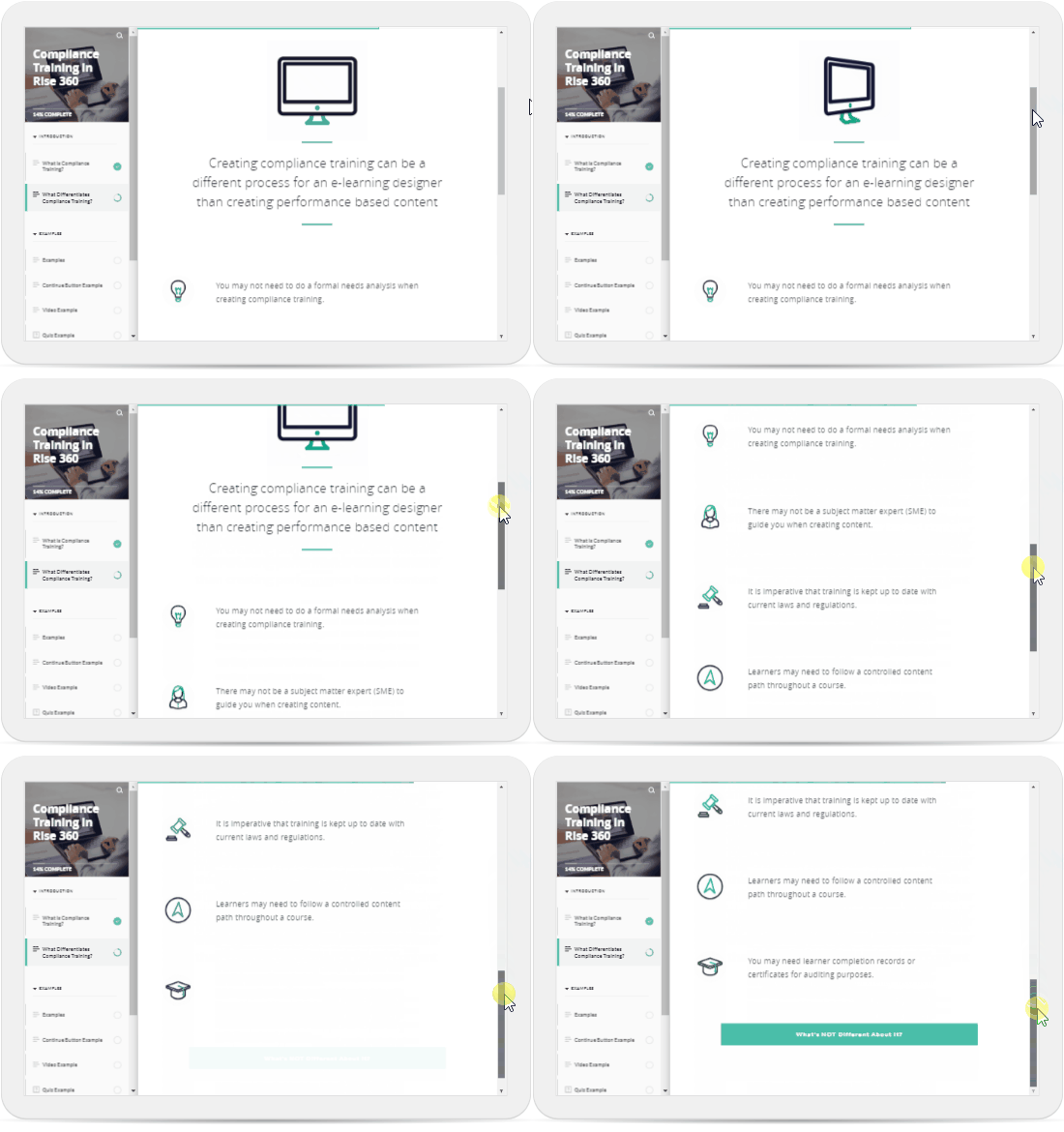
If you’ve taken an E-Learning course in the last 10 years, chances are, you have completed a course that looks a bit like this:
https://blogs.articulate.com/rapid-elearning/free-animated-gifs-for-your-e-learning-courses/
This is, of course, a Rise 360 course, built using, you’ve guessed it, Articulate Rise 360. A modern E-Learning authoring application that is essentially a web builder, allowing you to throw together text, images, quizzes, video, audio, widgets, and more. While constantly improving and increasingly popular, we have all seen this being used a little too much.
Undoubtedly, the interactive widgets in Rise 360 are where it shines the most by implementing nice interactive learning activities such as the sorting activity, accordions, hotspot graphics, scenarios and even custom-built widgets from Storyline 360.
But there is a new kid around the block, and pardon the incoming pun…
Code Block
Code Blocks have been available in Rise 360 for about 6+ months now, so this isn’t new by any means, but if you haven’t tried it, now is the time.
Code blocks allow you to create custom widgets using a mixture of HTML, CSS and JavaScript. This could be a small web application, page, new quiz types, games and more. Suddenly, the sky has become the limit for those who can actually code these experiences.
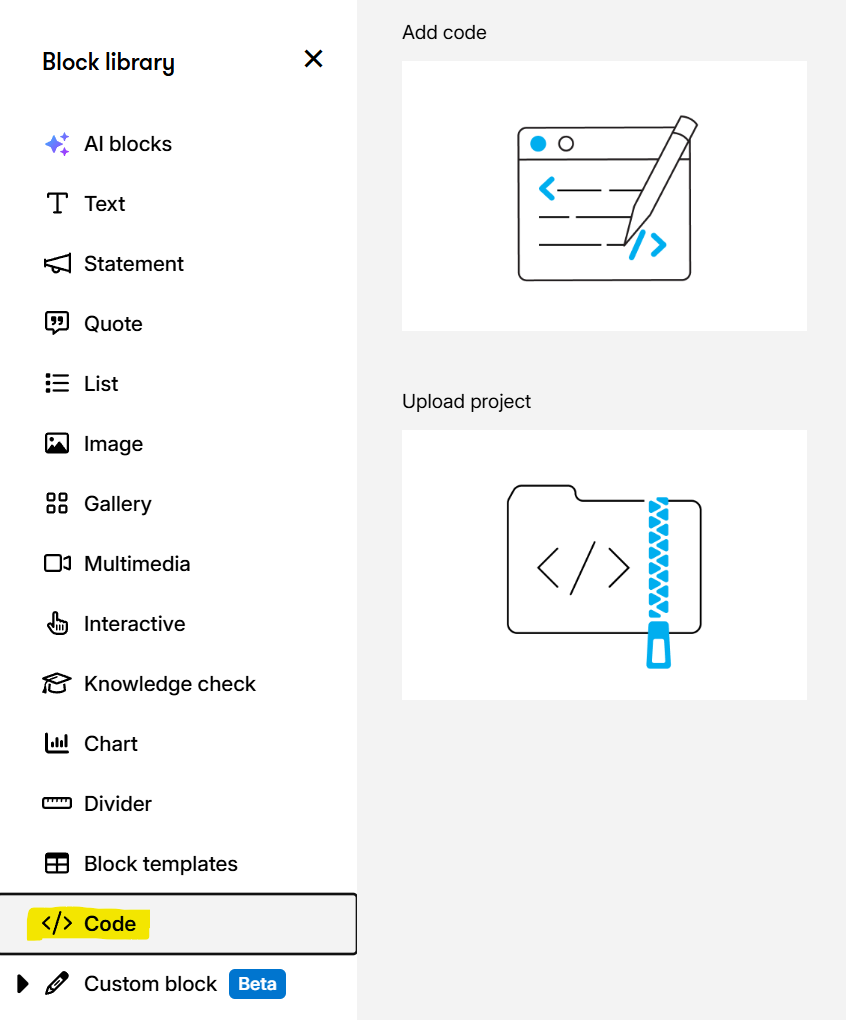
You can find the code block option under the block library. It supports either a single page of HTML code (which can include CSS and JS) or an entire HTML project as a ZIP file. Just don’t forget to include an index page.
Vibe Coding
If you’ve been living under a rock for the last year, you may not have heard of the term vibe coding. This is where you can use AI tools such as the popular trio: ChatGPT, Gemini, and Claude to create small applications, such as the ones we just talked about. You can get really specific and ask your favourite tool to create a crossword puzzle on a single HTML page (just as an example). Within a few minutes, it will magically come to life, with perhaps a couple of bugs, depending on how you prompted it and the complexity of the request.
Continue?
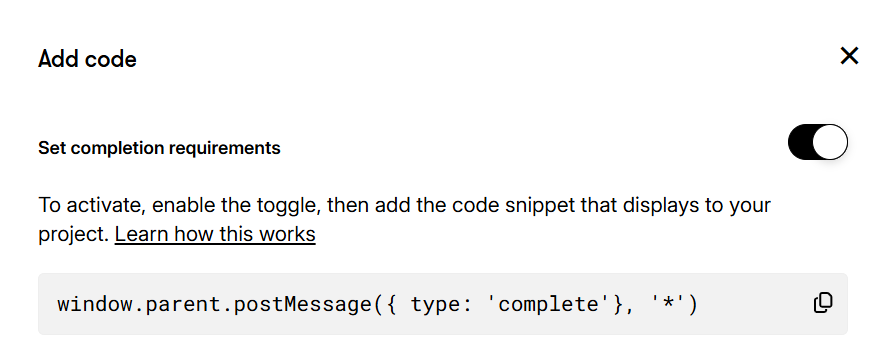
What’s even better, you can use the built-in Continue block so that users cannot progress in a lesson until they complete a specific action. When you add your custom code, you will have a toggle for this option, and a JS code snippet is provided that must be called when your custom interaction is complete.
Demo
Check out the following demo I put together. This is a Rise 360 Micro-Learning course with a completely custom HTML-based Crossword Puzzle.
Additional Reading
Articulate have some really good examples and how-to-guides that you should check out:
If you want to learn how to make widgets like this, it’s super simple to boot up a tool such as ChatGPT Codex, Claude Code or Gemini and ask it to make some HTML applications for you.
But if you want to learn more with real-world examples including 10 complete examples, be sure to check out my Vibe Coding for Instructional Designers Course on Udemy using this link for the best discounted price.